
Status Page
Turn transparency into trust with a dedicated status page. Keep users informed during downtime, so you can focus on the fix.
Why do you need a status page?
A status page is a dedicated webpage that provides real-time information about the operational status of your services. It serves as a communication tool to inform your users about any ongoing incidents, maintenance activities, or service disruptions.
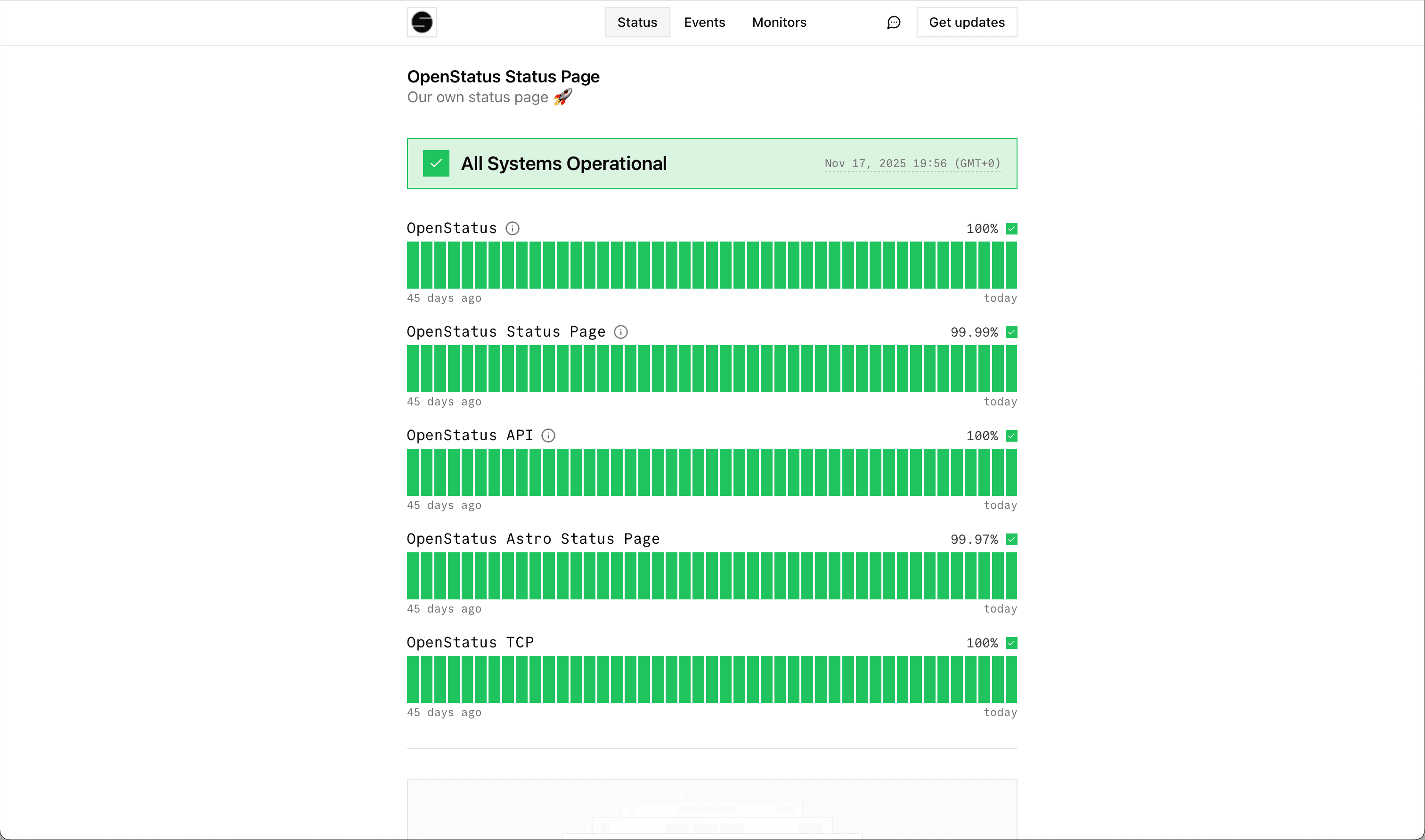
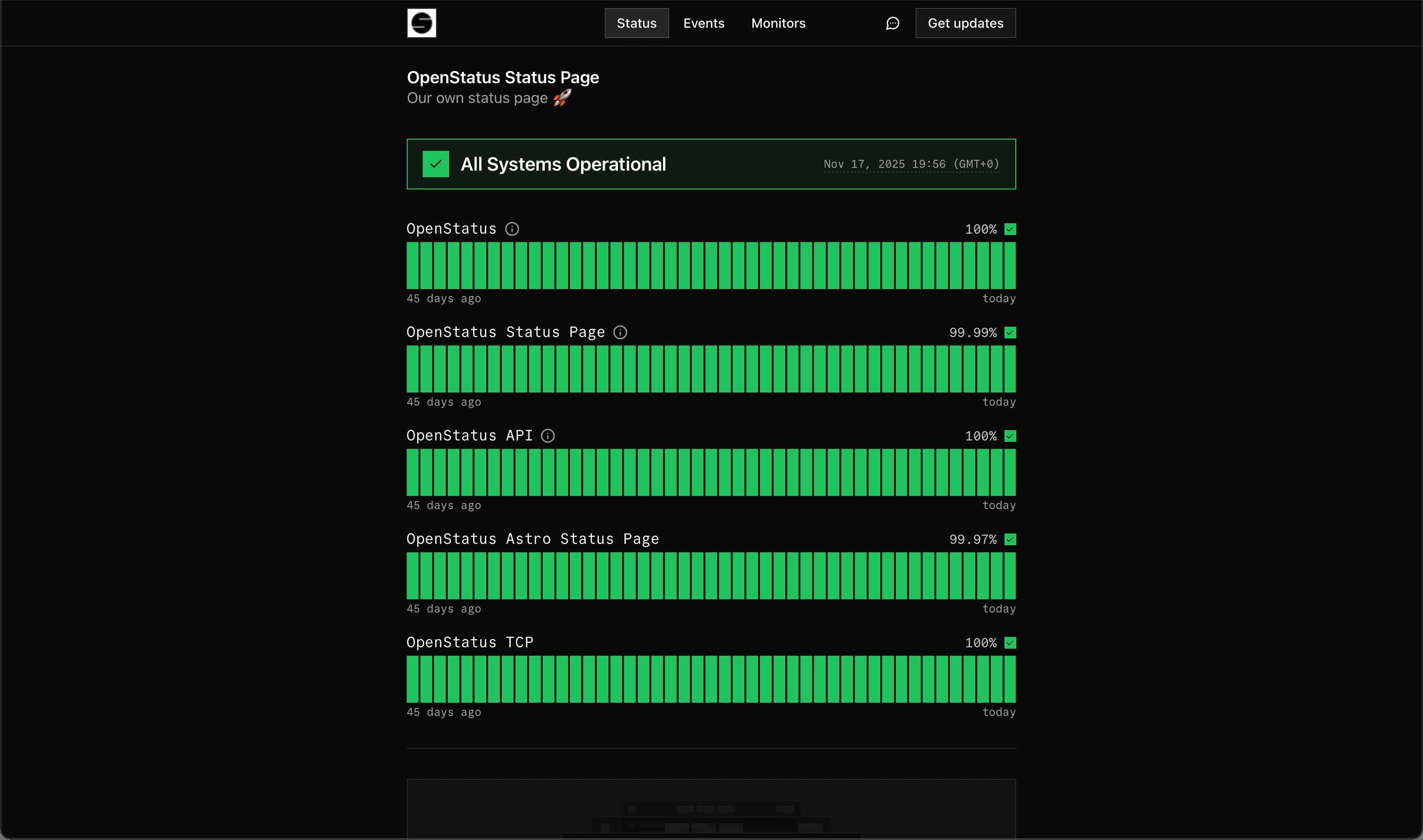
Uptime Status Page
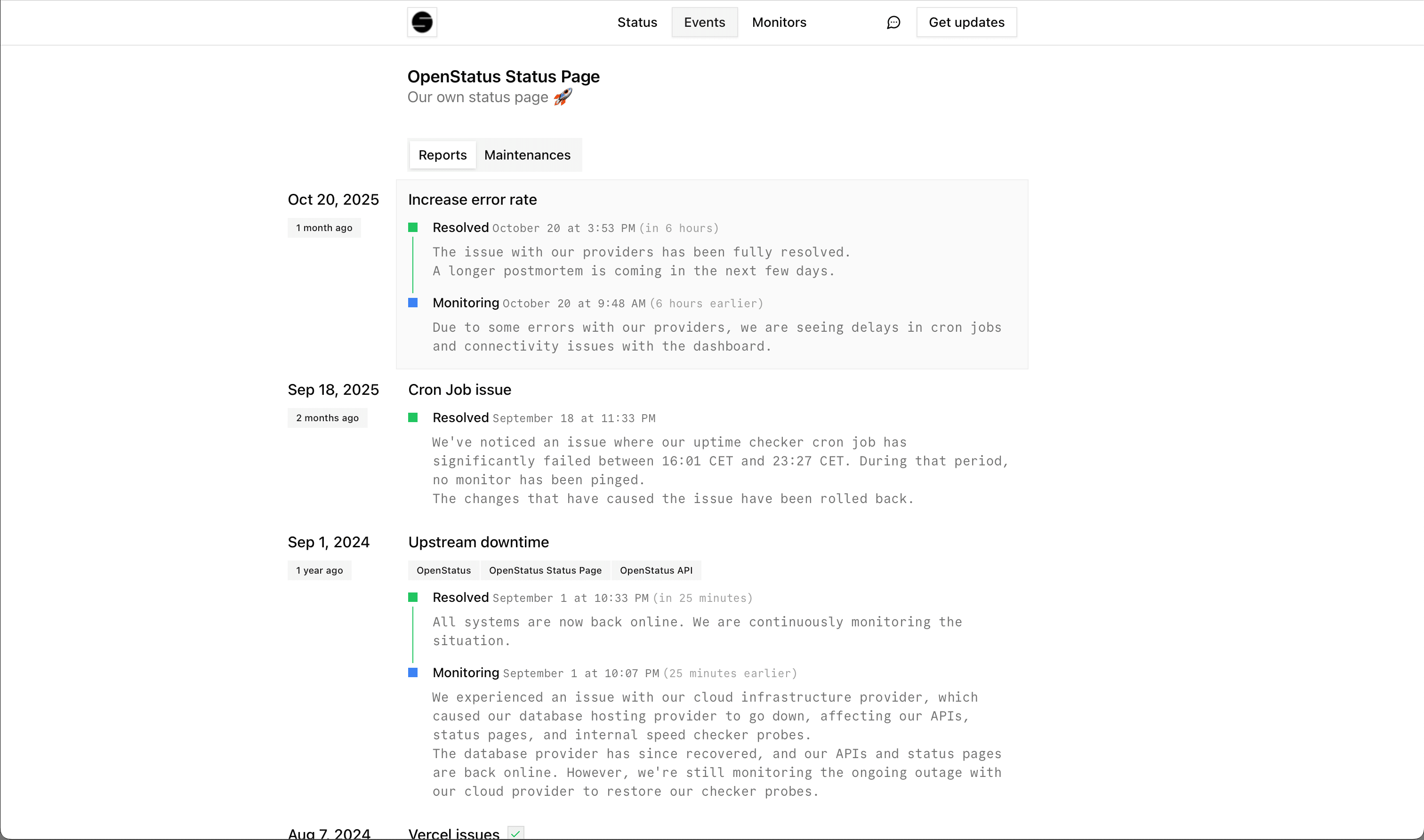
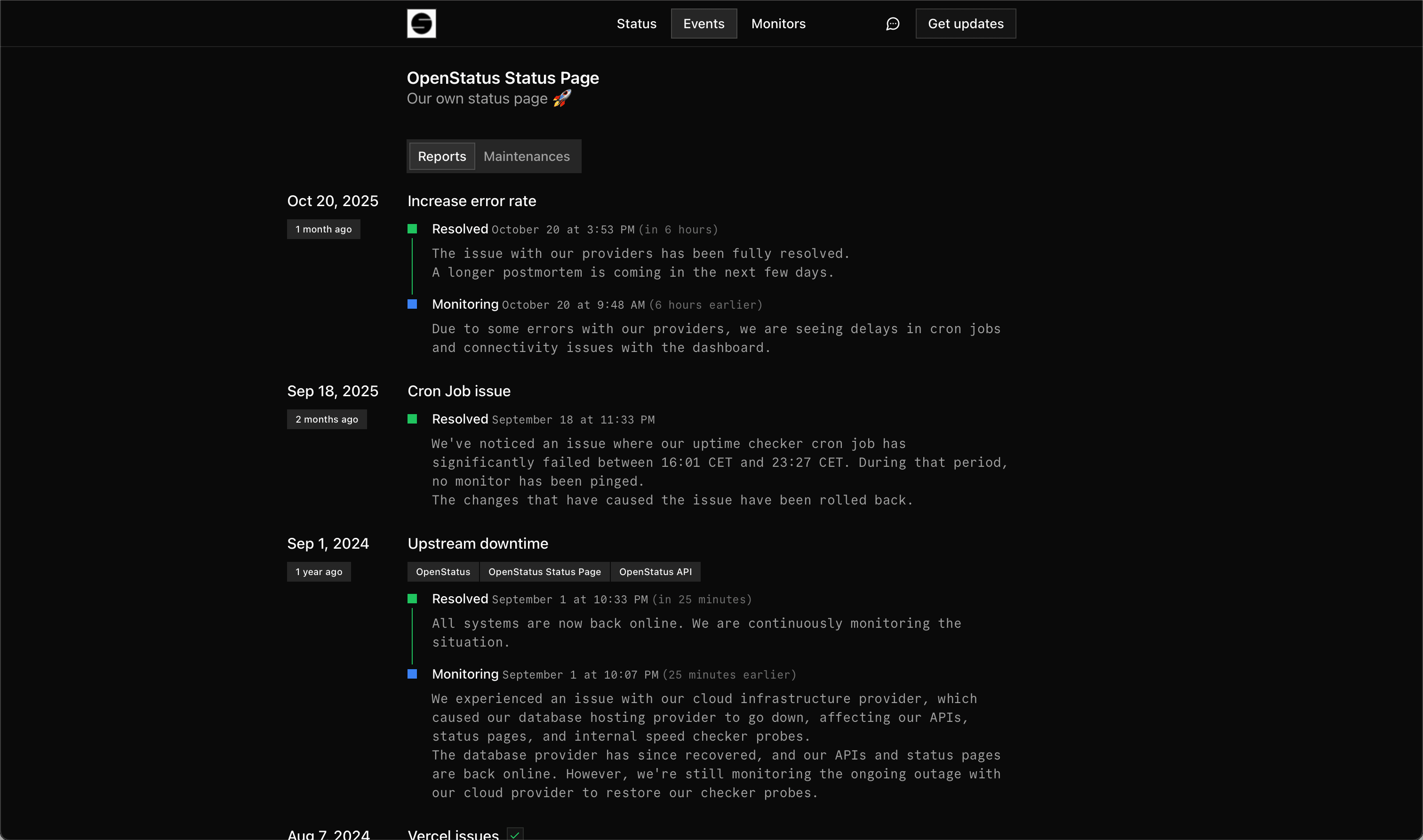
Events Page
Why choose openstatus for your status pages?
We provide you with a good mix of customization and opinionated options.
Page Components
You can attach specific monitors to a status page. You can either populate the data from the aggregated uptime data or manually manage them. Read more about uptime monitoring.
Page components provide a flexible structure that supports both:
- Monitors: Automatically synced with your uptime monitoring data
- External Services: Manually managed components for third-party services or systems you don't directly monitor
You can group page components by their services, locations, or any logical grouping, and they will be collapsible for better organization.
Customization
Match your brand appearance by contributing your own theme to the community. We have build a Theme Store that helps you create and use custom themes on your status page. Contribute your own theme. If you a private custom theme let us know via email.
You can define the values you want to share with your users. If can decide between duration values/uptime ping values or purely based on manual status report updates.
You can create custom domains to keep the domain your users are used to.
Links
Add a Get in touch in touch button and add a specific website link or a mailto: address.
Include a homepage link to redirect the user to your page on clicking on the left-hand nav icon.
Subscriptions
Allow your users subscribe to your status page, to automatically receive updates whenever you add a status report or maintenance to your status page.
We support following communication channels:
- Emails
- RSS/Atom feeds
- JSON
Contact us if you are looking for specific a channel.
Audience
By default, your status page is public. For internal or client-specific pages, you can protect access using password protection or magic link authentication to control who can view your updates.